
Real Estate Platform · 2020 to 2022 · UI and UX Designer
SkySlope
SkySlope builds real estate transaction software. I improved the UX across DigiSign, Forms, and Breeze, and led Breeze from concept through launch.
- Cut digital signing mistakes by ~50%
- Made paperwork delegation easier for whole teams
- Drove a 15% increase in cross product usage, opening new customer pipelines
UI and UX Designer
Work includedUX, UI, Interaction design, User Research
- How might we reduce the time spent on complex real estate documents?
- How might we give agents more time with clients?
- How might we create one unified experience across all products?
- How might we push the real estate software industry forward?
DigiSign, interactions
Usability Test & Research
To understand why users were struggling, I conducted targeted usability tests. We found that agents struggled to place and assign signatures correctly.
| 4 of 10 | testers were frustrated placing and assigning blocks |
| 5 of 10 | struggled to change the properties of a block after placement |
Interaction
Our DigiSign tool had an interaction pattern deviation from most other e-signing tools where the signature block stayed selected after placement.
When users are placing blocks a common pattern is to put one signature field for one recipient, then another for another recipient. With our existing UX it resulted in users accidentally changing who a block was assigned to instead.
Solving this was not simple, since many long time users were used to the old interaction. The survey split was even, so I built two things, a preferences page to choose the selection behavior, and a clearer flow for changing signers that cut effort and confusion.
We launched the new interaction and saw a 50% reduction in digital signing mistakes.
Forms, team access
Team management was key to supporting both agents and transaction coordinators (TCs). This allowed us to increase the stickiness of Forms by allowing entire teams to use it together.
Transaction coordinators (TCs) often manage files for many agents. I added a filter by agent, so delegating paperwork is easier and much faster.
Agents needed to know who changed what for compliance. I added file history, so every update is auditable.
An all inclusive document management tool for real estate agents which enabled us to grow our market share across large brokerages.
Breeze
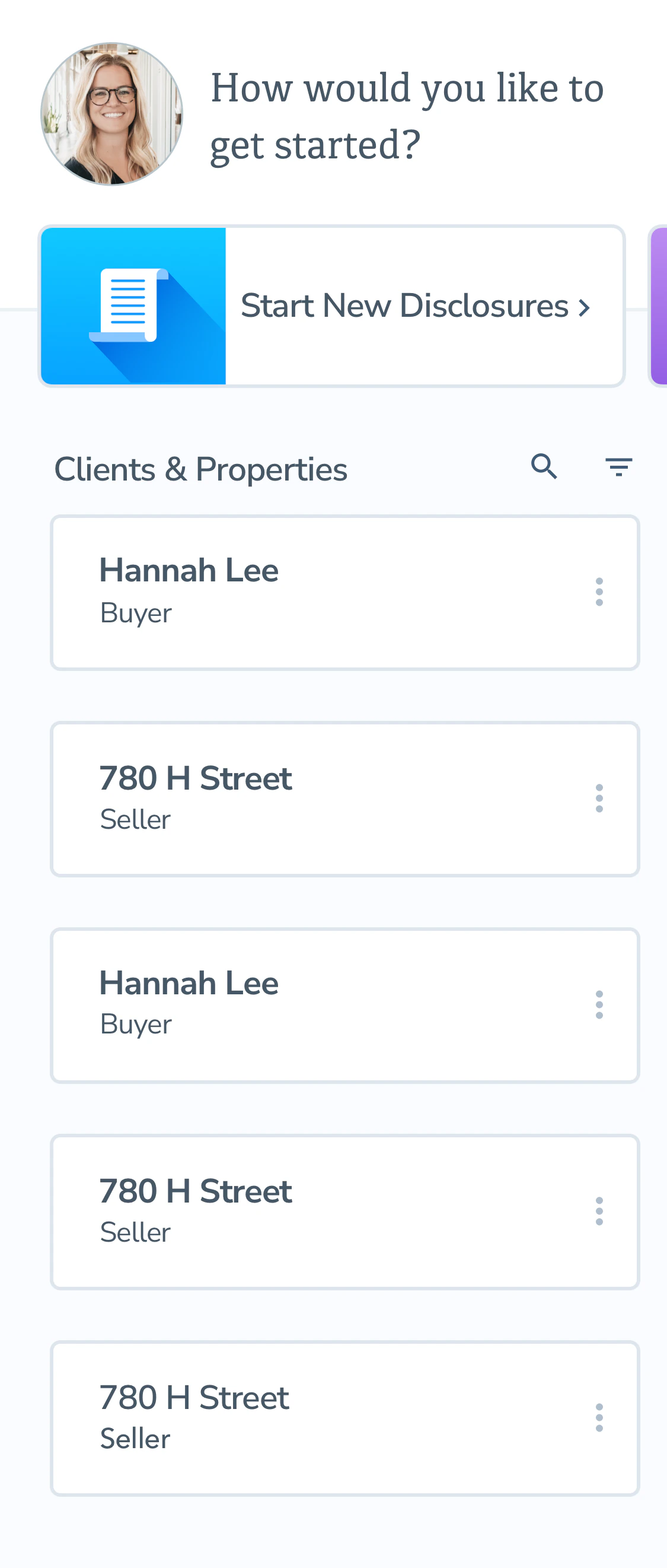
Breeze launched as a new web app, building on earlier work to guide agents through those forms.
Data showed 90% of California transactions involve several key disclosure forms, MHTDS, SPQ, TDS, and EQ. When designing Breeze I focused on optimizing a flow for each form.
I built a dashboard for agents to track clients' progress on completing documents so they had a way to review package completion and step in if the client was blocked.
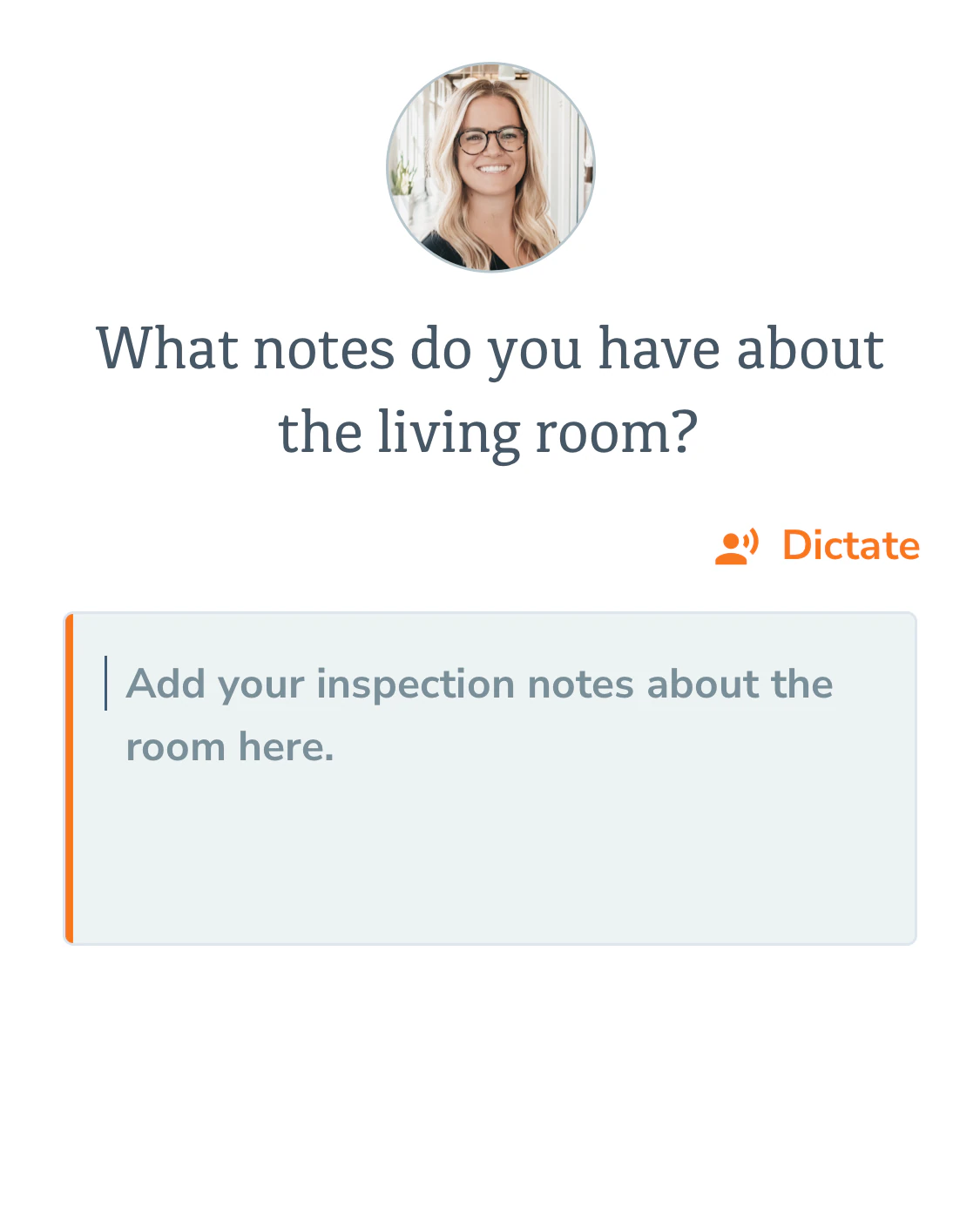
Agents often work on the go, so Breeze is mobile first. Speech to text on visual inspection forms lets them complete forms on site by typing or dictation.


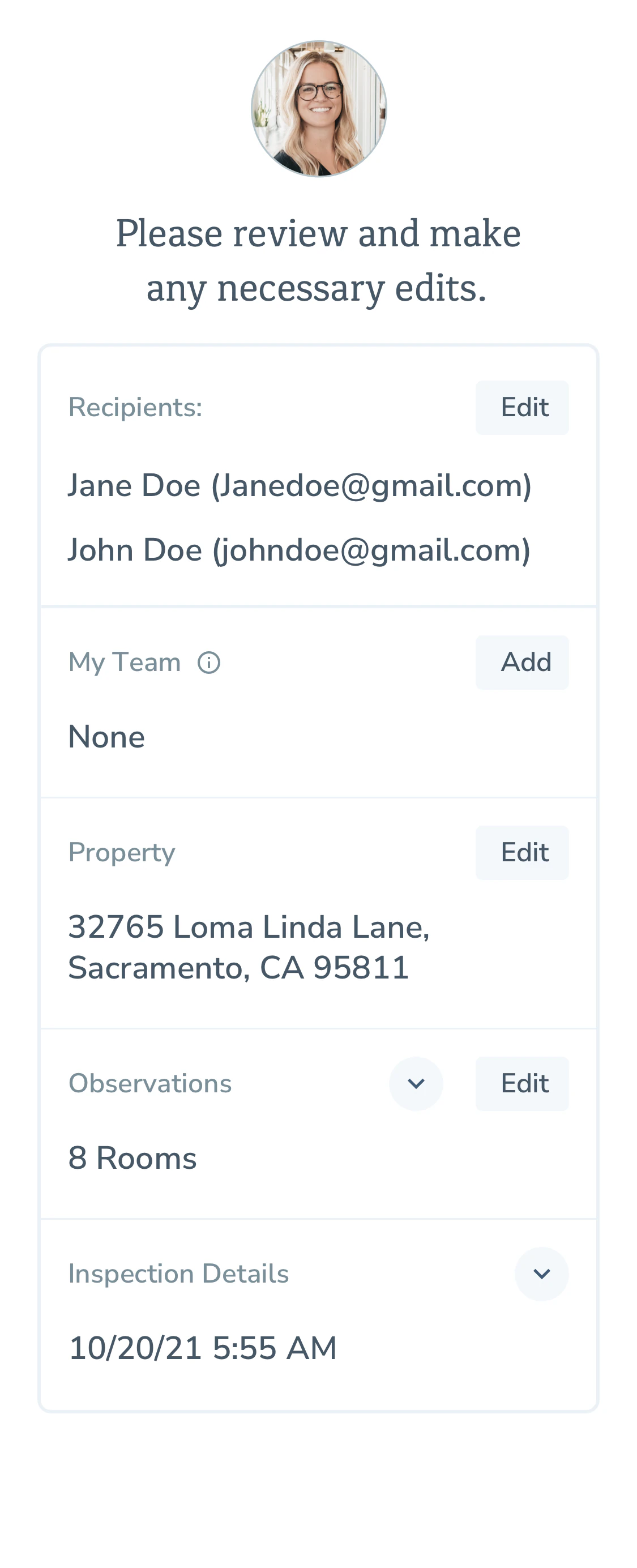

Drove a 15% increase in cross product usage, and created a new inbound customer pipeline.